How it works:


Enter your search term into the search bar


You have different options to limit your search results:
Select language (Type "English" or "German" in addition to your search term)
Select a radio button and search for text-newsgroups, articles, images, filegroups or files only
Tip: Put your search term in quotation marks to search for the exact term.

Select the file group from the list of search results
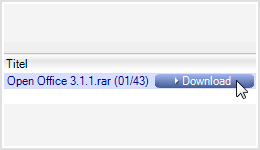
Click on Download to start downloading the file
Tip: If you click on “Wizard”, you can see the progress of your download. The Download Wizard downloads your files fast and without complications because it repairs and unzips them.